
Efficient Solutions for Industrial Needs
Geomagic for SOLIDWORKS
Refine CAD models and optimize the design process. The software combines 3D scanning data into the SOLIDWORKS environment.
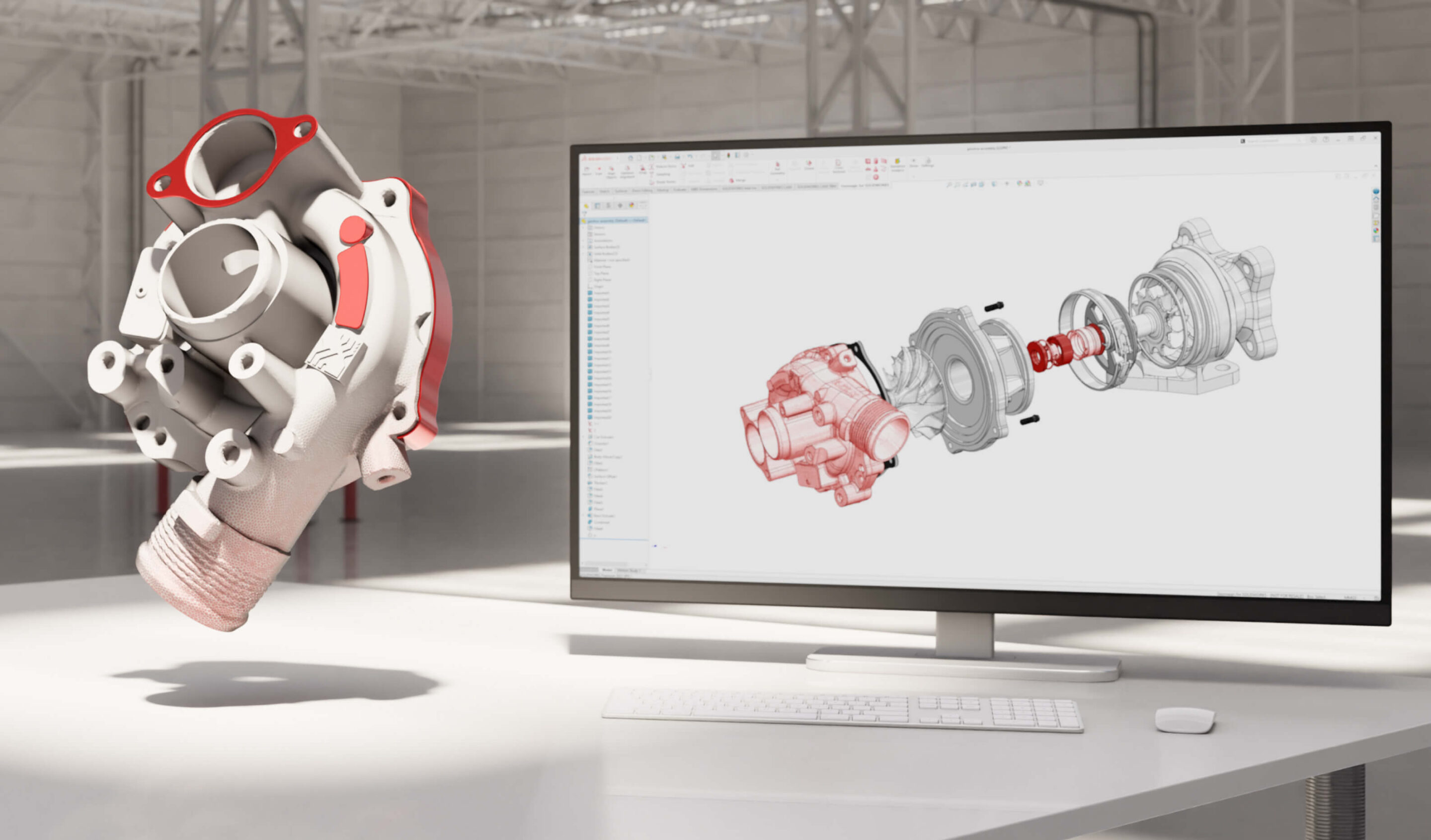
Geomagic for SOLIDWORKS
Geomagic for SOLIDWORKS is a powerful software designed to seamlessly integrate 3D scan data into the SOLIDWORKS environment. It offers comprehensive tools for refining, correcting, and optimizing CAD models, which enhances the design process and improves product quality. This software is an invaluable aid in product development, manufacturing, and quality control.
Geomagic for SOLIDWORKS allows for the quick and easy import of 3D scan data, such as measurement results, into the SOLIDWORKS environment. After that, you can use its advanced tools to remove inaccuracies, smooth surfaces, and refine model geometry. The software supports multiple different scan formats, making it a flexible solution for various projects. This speeds up the modeling process and reduces the risk of errors.
Key Features and Benefits:
- Seamless Integration: Works directly in the SOLIDWORKS environment, maximizing user convenience and efficiency.
- Accuracy Improvement: Tools for removing inaccuracies and optimizing model geometry.
- 3D Scan Data Management: Supports multiple scan formats and enables the easy import and processing of data.
- Design Process Optimization: Speeds up modeling and reduces the risk of errors.
- Quality Control: Allows for the comparison of product measurement results with the original CAD model.
Geomagic for SOLIDWORKS is well-suited for a wide range of applications, such as product development, prototype manufacturing, manufacturing process optimization, quality control, and reverse engineering. Whether you are designing a new product, improving an existing one, or ensuring product quality, Geomagic for SOLIDWORKS is a valuable tool.
Want to learn more? Watch the Geomagic for SOLIDWORKS webinar, where the latest features are discussed and practical examples of the software’s functionality are shown.

